
Native Desktop Client · Dedicated to Zimbra Mail Server
A Modern, Lightning-Fast Mail Client
Built Specifically for Zimbra.
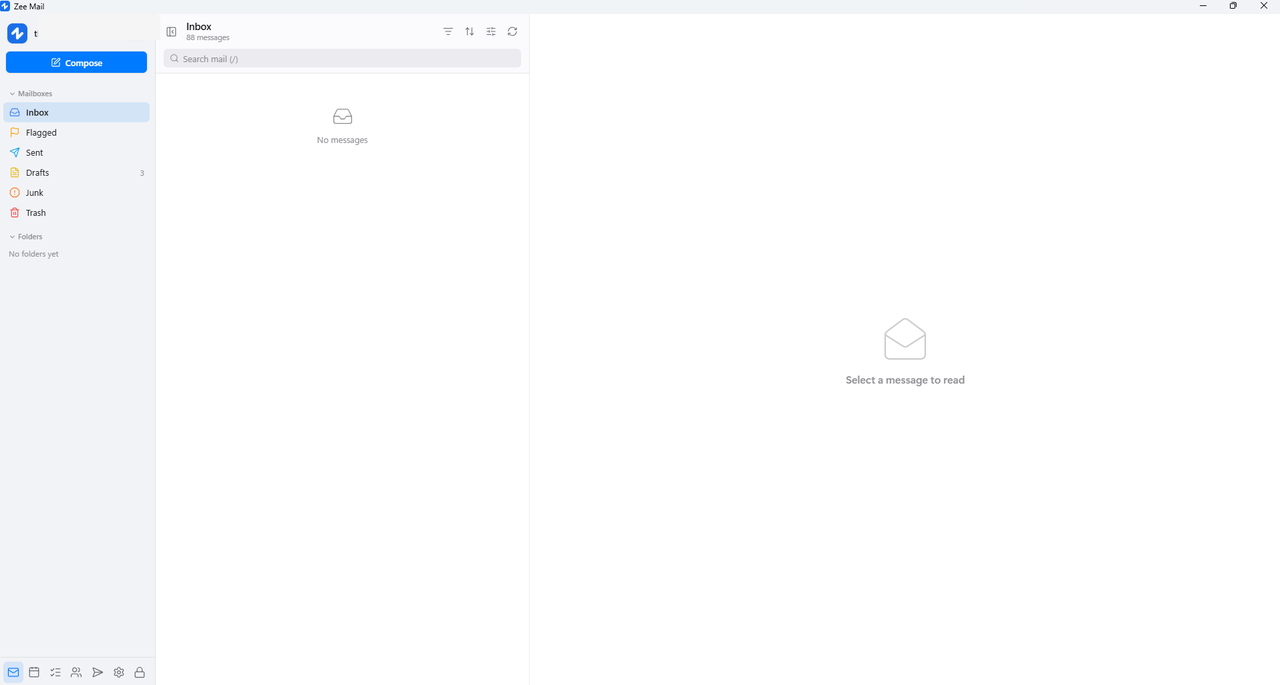
Zee Mail replaces sluggish browser tabs and Electron bloat with a lean, compiled native client. Engineered with military-grade SQLCipher AES-256 storage, 100% offline full-text search, and zero-token credential isolation.
Enterprise Architecture
Engineered for institutional productivity & uncompromising security
Zee Mail is an authentic native desktop client engineered with OS keychain protection, strict memory isolation, and comprehensive protocol parity.
Compiled Native Core
Instant startup and sub-10ms UI responsiveness. Consumes under 50 MB RAM with zero Electron bloat and an ultra-lean native architecture.
Zero-Token Isolation
Passwords and authentication tokens reside exclusively in native OS credential vaults (Windows Credential Manager / Keychain). Tokens never enter JavaScript.
100% Offline with Outbox
Search tens of thousands of messages offline with instant FTS5. Mails composed offline queue safely in the Outbox with exponential backoff and undo send.
Hierarchical Directory (HAB)
Browse full institutional hierarchy (Board → Departments → Units → Staff) and enjoy instant GAL auto-complete when composing messages.
Calendar & Room Booking
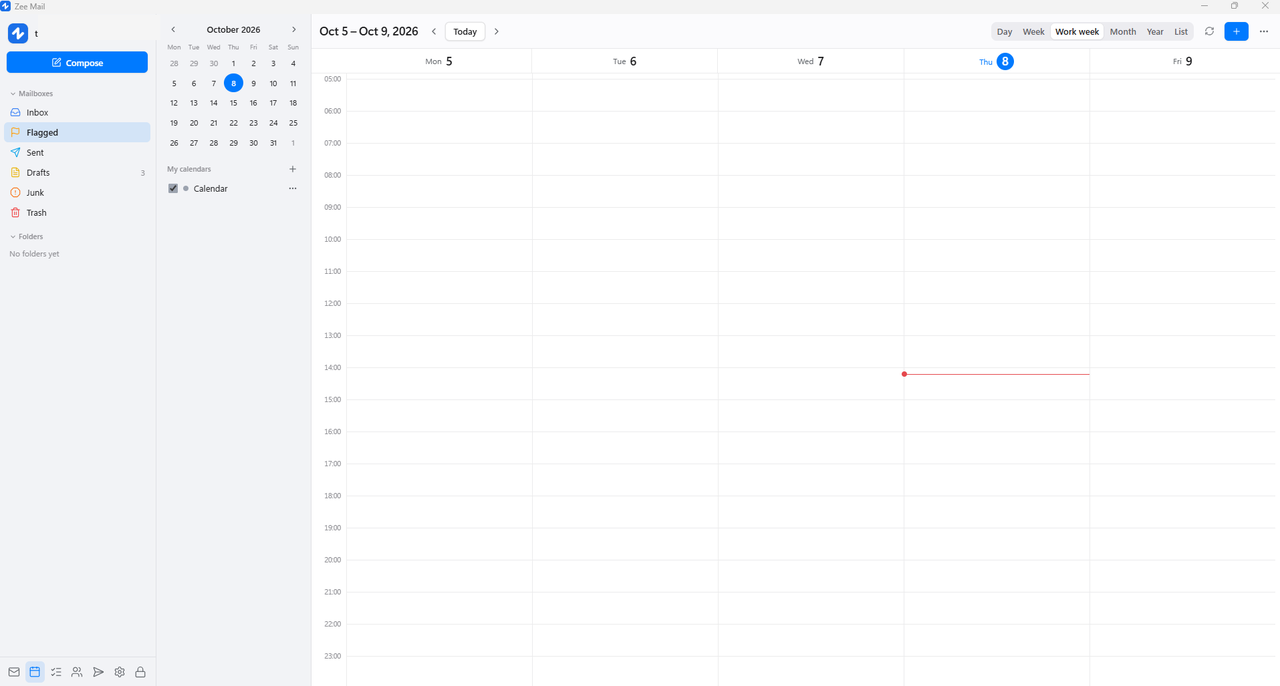
RFC 5545 iCalendar engine with complex RRULE/EXDATE support. Book corporate meeting rooms, equipment, and check real-time Free/Busy availability.
ZCS 10 Parity & Mail Recall
In ProgressRecall sent internal emails before recipients open them (ZCS 10.1+). Real-time multi-account push notification support via the WaitSet engine.
Self-Service 2FA & Recovery
In ProgressConfigure TOTP Authenticator 2FA directly within the app. Secure self-service account recovery via OTP verification codes.
Briefcase Drive & Data Sources
In ProgressIntegrated Briefcase document drive (Folder 16) with revision history and file locking. Aggregate external accounts via POP3 and IMAP.
S/MIME & App Lock
In ProgressNative PKCS#7 / S/MIME cryptographic inspection. Screen lock protected by personal PIN (PBKDF2-SHA256 210,000 rounds) and remote session revocation.
Smart Reading Pane
Complex institutional HTML mail renders accurately
Government and enterprise reports often feature dense HTML: wide tables, newsletter layouts, and deep quotation threads. Zee Mail optimizes rendering without breaking formats.
-
1
Wide Tables Never Clip
Institutional tables scale automatically and allow horizontal scrolling without shrinking surrounding text or cutting off column data.
-
2
Smart Quote Collapsing
Cluttered reply chains from Zimbra, Outlook, and Gmail collapse cleanly. Redundant Word/Outlook formatting artifacts are automatically stripped.
-
3
True-to-Author Colors in Dark Mode
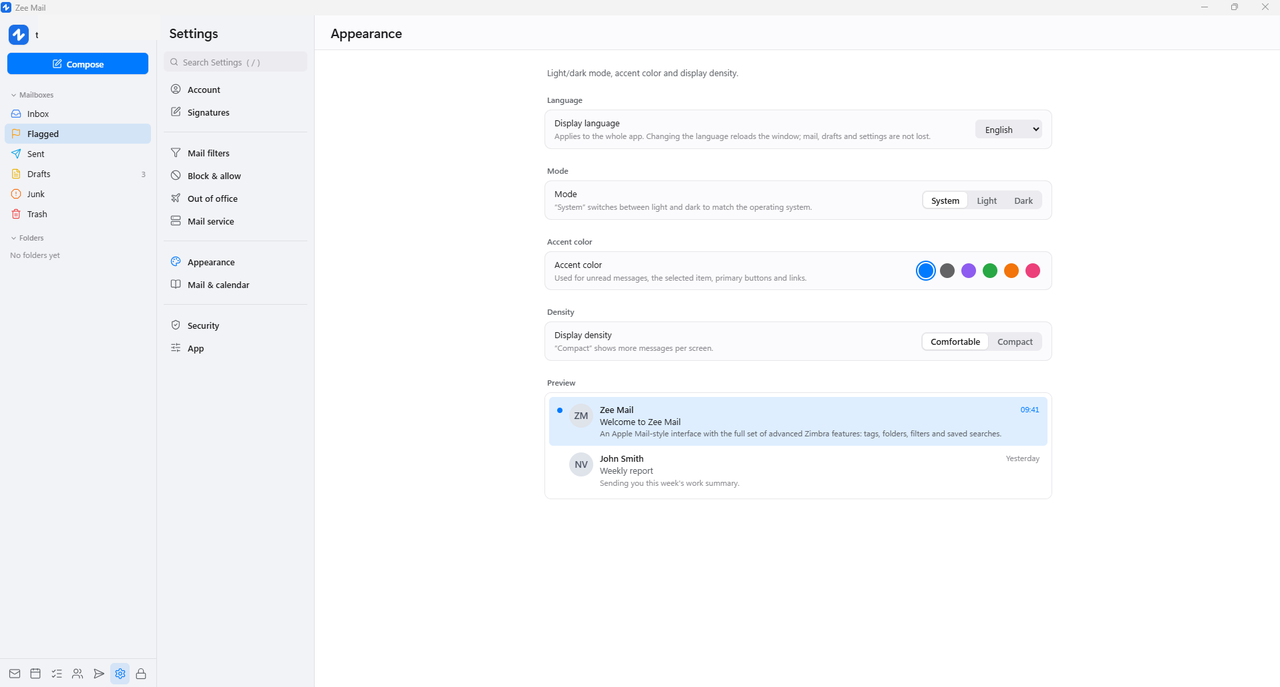
Backgrounds adapt to dark theme while intentional diagram and chart colors remain vivid and untouched.
Enterprise Security
Security by design. Zero-token in JavaScript.
Zee Mail ensures your institutional data remains strictly confidential and protected against memory snooping, unauthorized sessions, and data leaks.
Local Database Encryption
Every mail, folder, contact, and cached attachment on your drive is protected with military-grade AES-256 encryption using SQLCipher.
OS Keychain Token Protection
Session tokens and credentials remain isolated in native operating system keychains. Tokens never enter the Webview environment.
Hardened Binary Build
Stripped symbols, Link-Time Optimization (LTO), and source-path scrubbing prevent reverse engineering and intellectual property leakage.
Downloads & Availability
Deploy Zee Mail to your devices
Zee Mail for Windows is available now. Other platforms are actively in progress.
394005c7a149044c05c43c6691051a82...FAQ
Frequently Asked Questions
How does Zee Mail compare to browser webmail?
Browser webmail consumes hundreds of megabytes up to 1 GB of RAM, fails completely without an internet connection, and frequently clips wide HTML tables. Zee Mail is built as a compiled native application: it responds in sub-10ms, consumes under 50 MB RAM, operates 100% offline with instant FTS5 search, and isolates session tokens inside the OS keychain.
Do I need to install any plugin on my Zimbra server?
No extra server software or Zimlets are required. Zee Mail connects directly via standard Zimbra SOAP/JSON APIs over secure HTTPS. It is compatible with Zimbra 8.8, 9.0, 10.0 (Daffodil), and 10.1+.
How are my credentials and emails secured?
Local SQLite databases are encrypted using SQLCipher AES-256. Passwords and session tokens never enter JavaScript; they are stored exclusively in native OS credential vaults (Windows Credential Manager / macOS Keychain).
What happens if I lose internet connectivity?
All previously synchronized emails, contacts, and calendar events remain fully readable and searchable with FTS5. New emails, replies, and edits queue safely in the Outbox and automatically sync when reconnected.
Upgrade your organisation's Zimbra email experience
Download the native, lightweight, and offline-ready client today.